

For technical documentation, configuration and integration guides visit:
Integration of QR payment support for customers
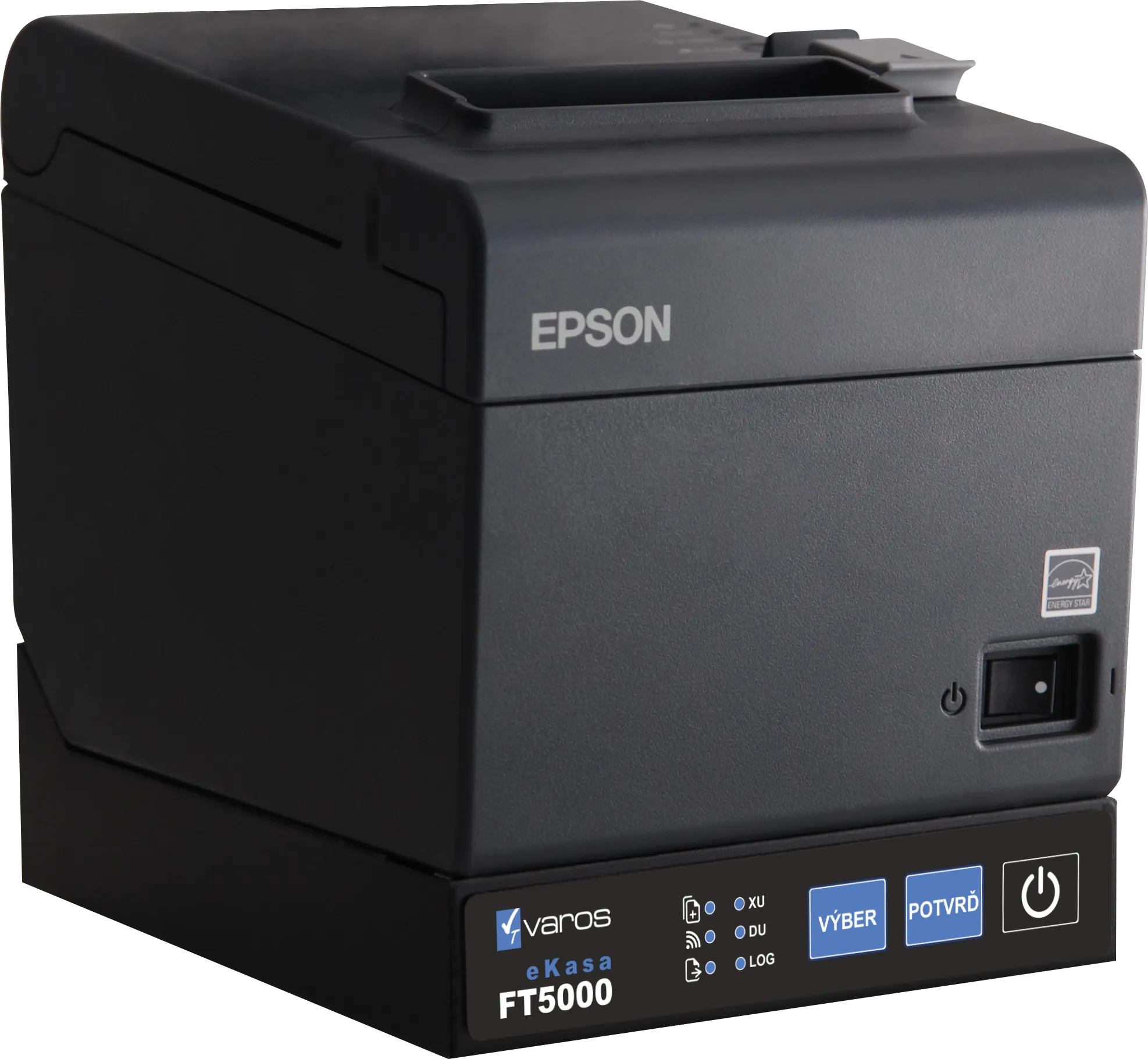
- eKasa FT5000 - QR terminal for payment is integrated directly into the printer
- eKasa FT4000 - QR terminal for payment is integrated into the print manager / eKasa client software /
- QR Terminal App - universal solution for carrying out QR payments for any organization that has a DIČ assigned
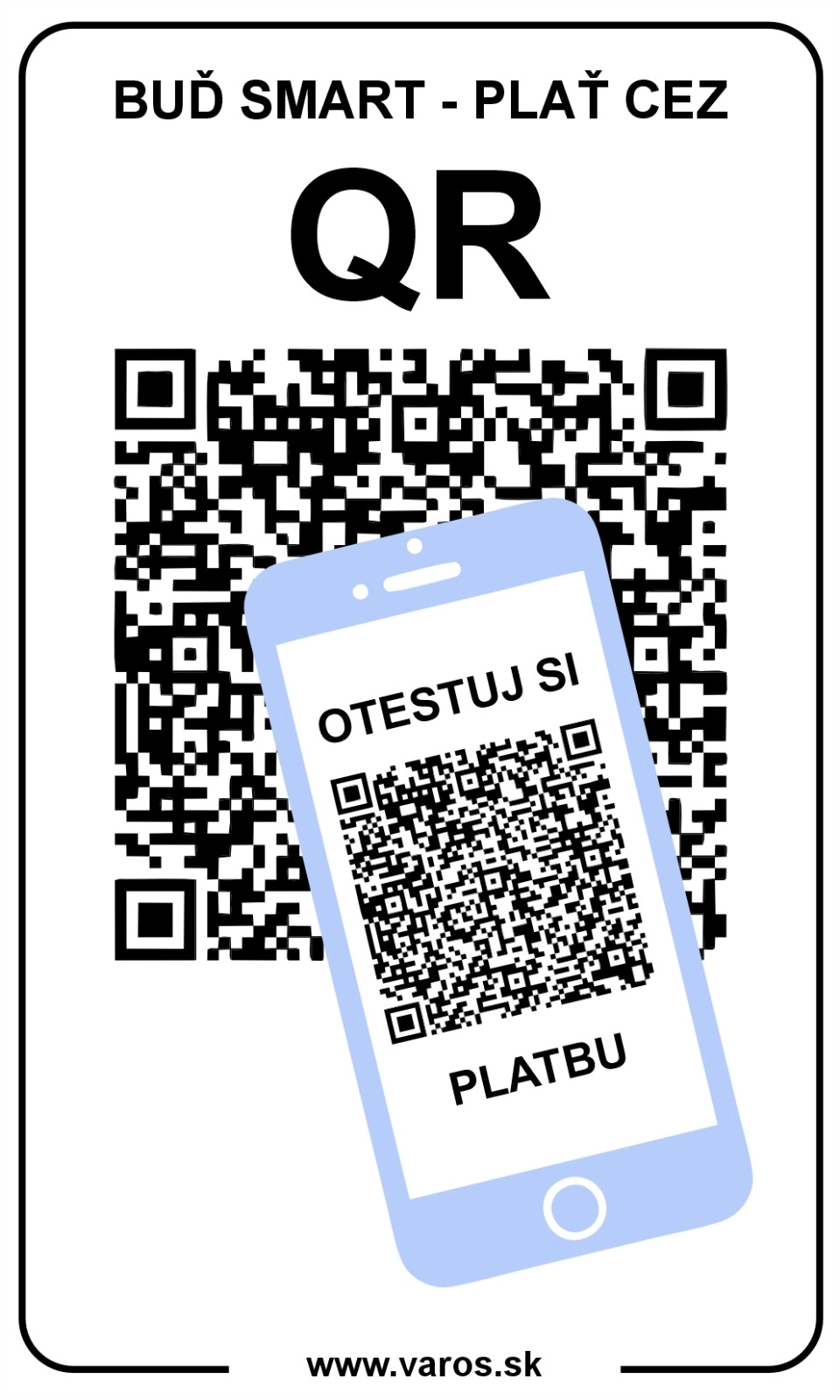
How to test QR payment on your phone?
Want to know if your bank supports QR payments? It’s easier than you think!
Try it right now and see how fast you can pay without typing any account numbers. The whole process takes just a few seconds. If you choose QR payment, you also help the merchant by saving them costs they no longer have to pay to payment companies. They get the money instantly and can use it right away.
4 simple steps to pay by QR
- Open the camera on your smartphone
- Point it at the QR code image
- Tap the link that appears under the QR code
- Review the details and confirm or cancel the payment
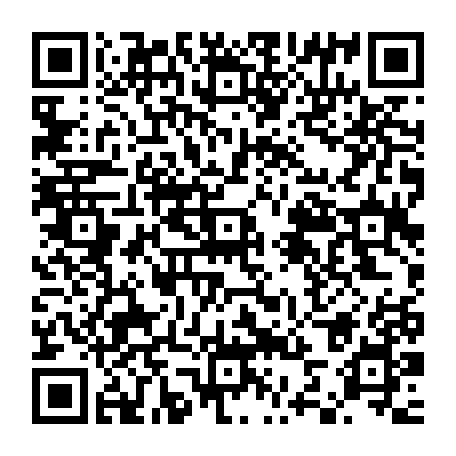 payment
Warning: This is a real payment! If you confirm it by clicking “Confirm,” the money will be sent to our account. Use it only for testing.
How does QR payment work in practice?
When you point your camera at the QR code, your phone automatically recognizes the payment data. If your banking app supports QR payments, a yellow link appears below the code to open the app.
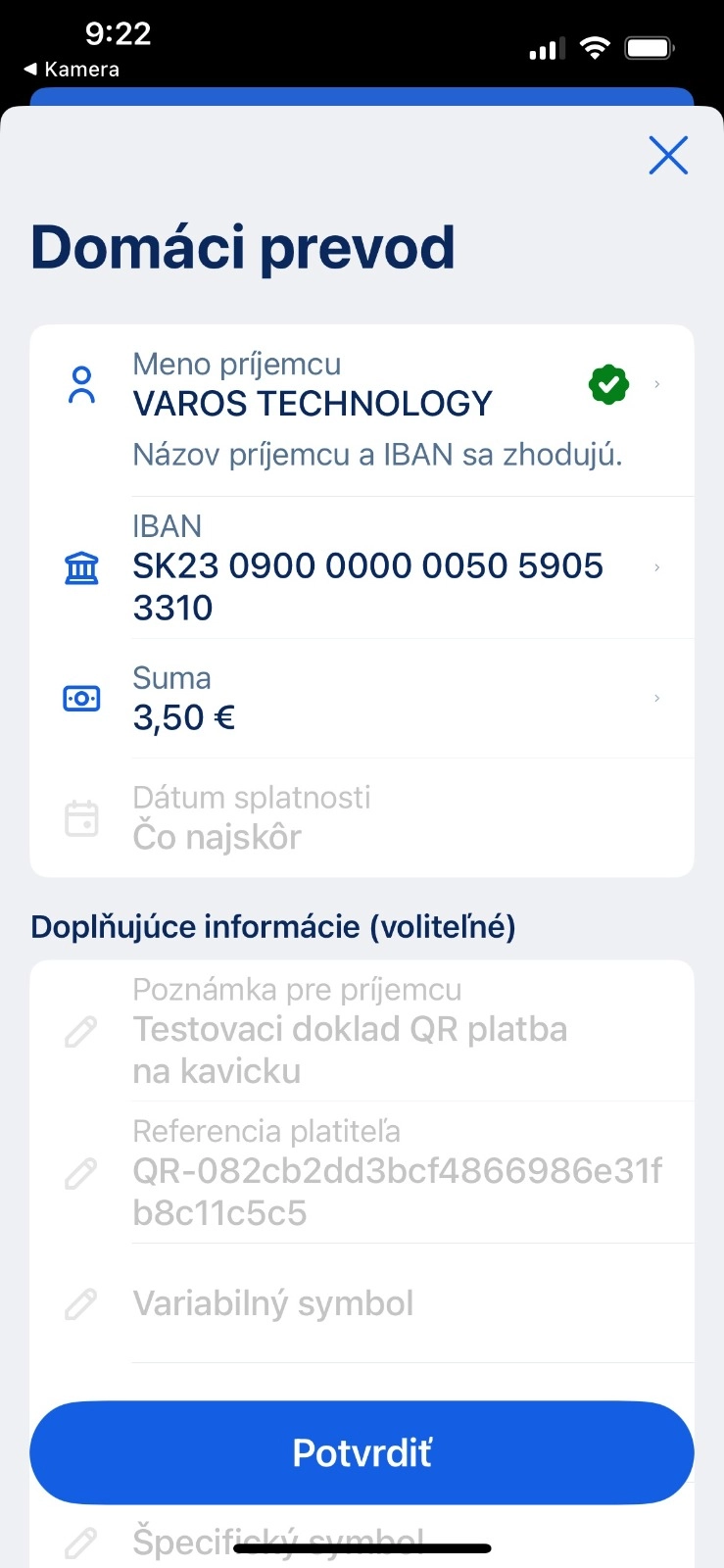
With one tap, your banking app opens with all payment details filled in automatically:
- Account number of the recipient
- Payment amount
- QR payment identifier
- Payment message
You just review the data and confirm. No manual typing, no IBAN mistakes. It’s fast, safe, and accurate.
Real-life examples
See how it looks in the most popular Slovak banking apps:
Tatra banka
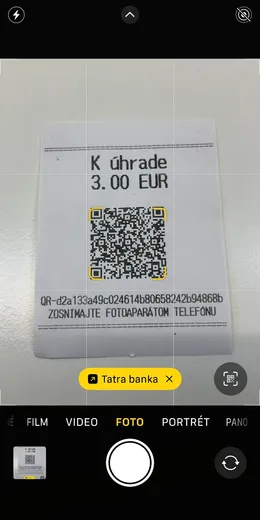
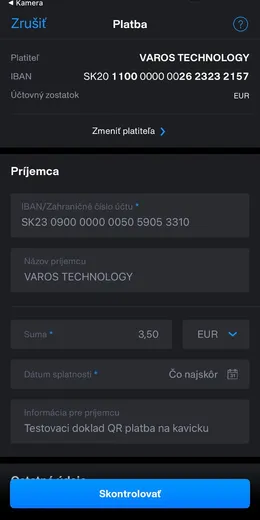
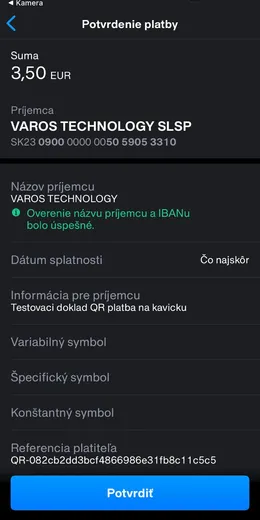
George (Slovenská sporiteľňa)
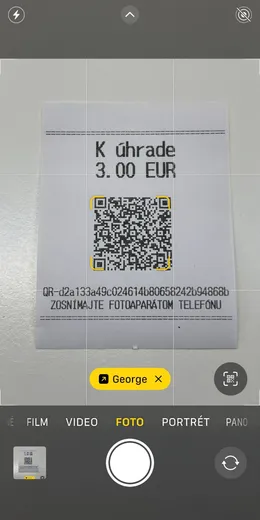
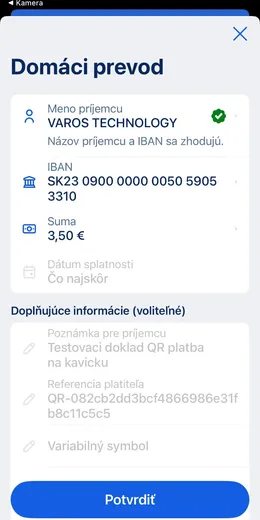
QR payments have won over businesses and their usage is growing rapidly
QR payments in Slovakia are quickly gaining momentum and are becoming one of the fastest-growing forms of cashless payment.
The latest data from the Financial Administration shows that:
- by 7.7.2026, customers had already paid almost 6.5 million euros through this system,
- in the last week alone, the volume of payments increased by another 1.5 million euros,
- a new daily record was also set — for the first time in history, QR payments exceeded 200,000 euros in a single day.
This growth clearly shows that QR payments are rapidly becoming a normal part of everyday transactions.
Which banks already support QR payments?
At the moment, you can make QR payments in the mobile apps of these Slovak banks:
- Slovenská sporiteľňa, a.s. (George)
- Tatra banka, a.s.
- Všeobecná úverová banka, a.s.
- Československá obchodná banka, a.s.
- 365.bank, a.s.
- Poštová banka, a.s.
- Prima banka a.s.
- Fio banka, a.s.
At a point of sale that supports QR payments, you can make a QR payment by:
- scanning the QR code printed on the payment receipt generated by eKasa
- scanning the QR code displayed on the customer’s screen
Step by step, QR payments are becoming the standard across Slovak banks, which means:
- Faster payments without manual input
- Higher safety thanks to fewer errors
- Easier payments anytime, anywhere
Tip: If your bank doesn’t support QR payments yet, send them feedback—banks listen to their customers!
For businesses
Want to accept QR payments in your business?
We provide a full solution for companies—from fiscal printers with QR codes to implementation guidance.
Contact us and move your business into the digital era!
Wondering about the benefit? Calculate the rental fees for card terminals and the fee for every card transaction—those savings can stay in your business to fuel growth.
QR Terminal for businesses
- Every business owner can easily offer QR code payments using the QR Terminal software application.
- Installing and activating QR Terminal on your computer and accepting QR payments is a matter of 30 minutes. Quick setup, easy operation, instant use of QR payments.
App is freely available, you can download it by clicking the following link:
QR Terminal for QR payments
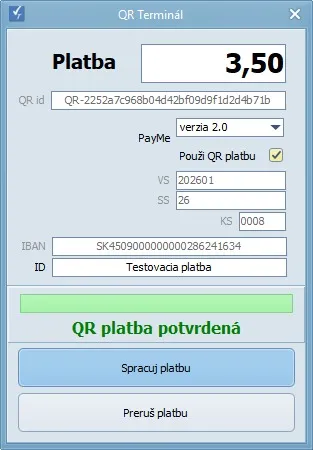
What do I need to accept QR payments?
- Request your bank to activate QR payment notifications on your business account. Ask your bank for the following form:
- Request for notifications of received payments via QR codes
- Upload the same activation data and password into the QR Terminal program. If you don’t remember how to obtain them, see the procedure at this link.
Which banks support QR payment notifications?
For eKasa or the QR Terminal app to verify a QR payment, the merchant’s bank must send a notification of incoming payments.
The following banks provide notifications of incoming payments:
- Slovenská sporiteľňa, a.s.
- Tatra banka, a.s.
- Všeobecná úverová banka, a.s.
- Československá obchodná banka, a.s.
- Prima banka a.s.
- Štátna pokladnica
Where can I display the QR code for payment?
You can display the QR code for payment in several ways depending on your preferences and technical equipment:
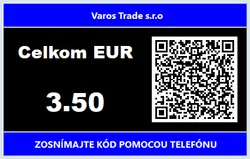
QR code on monitor
QR code displays directly on your computer monitor
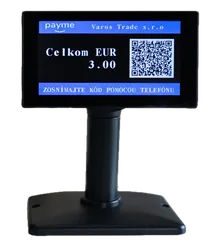
QR on customer display
QR code can be displayed on a customer-facing display
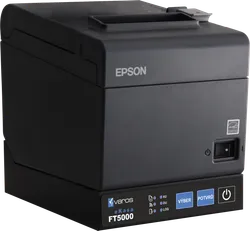
QR directly on eKasa
Print QR code as a standalone receipt from FT5000 or FT4000
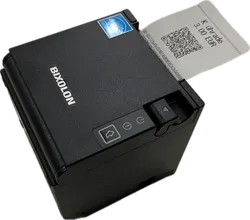
QR on external printer
QR code can be printed on an external printer