

Electronic Tape in eKASA FT4000 with CHDU5000
Electronic tape application is used for viewing documents issued on eKASA system.
It is part of TM5000WIN print manager installation and allows convenient overview, filtering and control of issued documents.
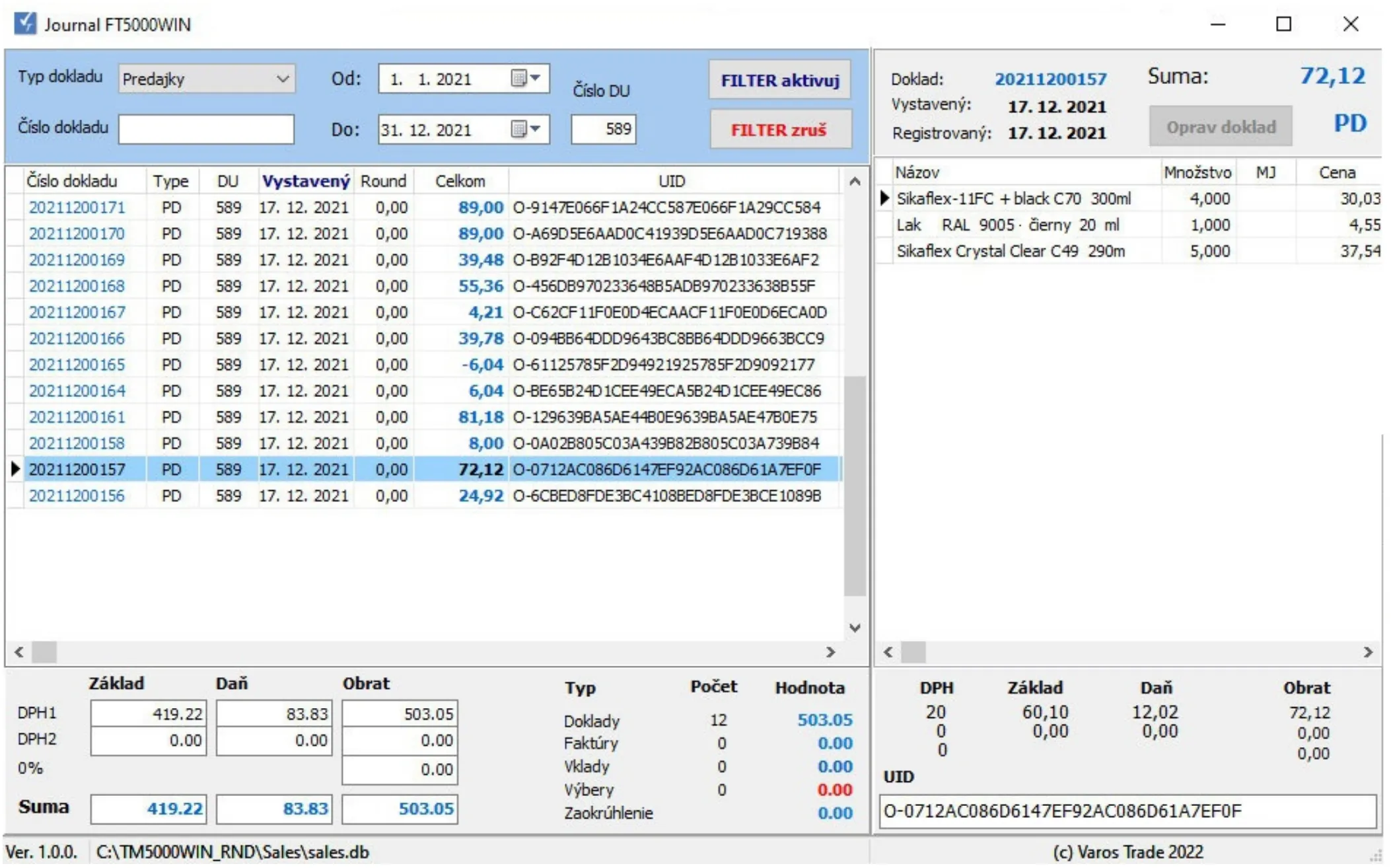
Launch Application
Application can be launched directly from TM5000WIN environment via menu:
Run programs → ELECTRONIC TAPE
External Program Configuration
If TM5000WIN is installed in original directory together with BOWA CHDU, it is necessary to enable ELECTRONIC TAPE option display in print manager menu by editing config.ini configuration file.
Edit config.ini File
-
Insert path to
FT5000WIN_Journal.exeprogram intoconfig.inifile.Standard configuration:
[EXT_PROG] 0=C:\TM5000WIN\FT5000WIN_Journal.exe -
If print manager is installed in different directory than
C:\TM5000WIN, adjust path according to actual location. -
Check if
[EXT_PROG]section already exists inconfig.inifile.
If it exists, do not create duplicate section, just add another entry.